
Quick picks
What iOverlander is
iOverlander is a website and an app for iPhone and Android where people traveling by vehicle share places to camp and the services they need on the road. Its home page lists about 250,000 places in 190 countries, all added by travelers, with volunteer moderators reviewing new places and more than 5,000 corrections a month.
The current app is called iOverlander 2. The original app, now called iOverlander Legacy, was shut down in April 2025, according to iOverlander's subscriptions page. If you have the old one on your phone, download the new one.
The places a RAV4 camper will use
iOverlander sorts places into 32 categories, listed in its map legend. These are the ones that matter most on a RAV4 trip:
- Established Campground: places that advertise camping, from state parks to private campgrounds.
- Informal Campsite: an unadvertised spot connected to a business, like a restaurant or gas station that lets travelers stay.
- Wild Camping: a spot not connected to any business, such as free camping on public land.
- Overnight Prohibited: places where sleeping in a vehicle isn't allowed. Checking these can save you a knock on the window. Our stealth camping guide covers where you're allowed to sleep.
- Services: Water, Showers, Propane, Sanitation Dump Station, Laundromat, Fuel Station, Mechanic and Parts, and Wifi.
- Road Report and Warning: closures and dangers other travelers have reported.
The rest of the categories, like border crossings, shipping and embassies, are for overlanders crossing borders.
How to use it
Find a place and read the check-ins
Open the map, filter by the categories you want, and tap a place to read its description and the dated check-ins from other travelers. The newest check-ins are the best sign that a spot is still open and that the road in is still passable.
Add a place or check in
These steps come from iOverlander's FAQ:
- Add a place in the app: open the Main Menu and tap ADD A PLACE. On the website, log in, right-click the map and choose Add New Place Here.
- Expect a wait: new places are reviewed by moderators. They can take up to two weeks to show up in the app, and up to 24 hours on the website.
- Check in after you stay: a check-in needs a comment of at least 40 characters. You have to check in before you can suggest edits to a place.
- Report a closed place: change OPEN to NO when you check in, or use Report a Problem.
Free, Pro or Unlimited?
This is iOverlander's own comparison, from its subscriptions page, checked October 12, 2026. Prices are in US dollars, and the page says to check the app for prices in your region. No monthly prices are listed.
| Feature | Free (with ads) | Pro, $59.99 a year | Unlimited, $99.99 a year |
|---|---|---|---|
| Download places for offline use | 1 set at a time | 3 sets at a time | Unlimited |
| Offline maps | No | 3 maps at a time | Unlimited |
| Ads | Yes | No | No |
| Search for locations and places | No | Yes | Yes |
| Premium maps (satellite, topo, BLM land and more) | No | Yes | Yes |
| Save multiple filters | No | Yes | Yes |
| Download a large country in one tap | No | No | Yes |
- Free 7-day trial: the yearly plans start with a free 7-day trial. You aren't charged until day 7, and you can cancel any time before then.
- What a "set" is: in the US and Canada, a downloaded set is usually one state or province. Downloading all of the US or Canada at once needs Unlimited.
Which plan fits your trip
This is our plain-language take on iOverlander's table. We haven't used the paid plans ourselves.
- Free is enough if you camp in one state at a time and plan your stops while you have cell signal. Download that state's places before you leave so you can read them offline. Without offline maps, though, you'll see the places but not the map around them when you lose signal.
- Pro, $59.99 a year, is the plan most RAV4 campers would want once they head into the backcountry. You get offline maps for three areas, search, and the satellite and BLM land layers, which help you tell public land from private land when you're looking for a free spot.
- Unlimited, $99.99 a year, only makes sense for long trips across many states or countries.
- Not sure? Start the 7-day trial right before a trip and decide by day 7.
Good practice
These are general camping tips, not iOverlander's rules.
- A Wild Camping pin isn't permission. Check the land manager's rules. On Bureau of Land Management land, free camping is generally allowed for up to 14 days in any 28, and National Forests set their own limits and fire restrictions.
- Read the newest check-ins before you drive out. Roads and access change often.
- Pack out everything and leave the spot the way you found it.
- Check in after you stay. That's what keeps the map accurate for the next person.
Buddy's take
Start with the free version and download the places for the state you're camping in before you leave.
Try Pro on the 7-day trial before a backcountry trip. Offline maps and the BLM layer are what you'd be paying for, and you'll know within a week whether you use them.
Always read the newest check-ins, and check the land rules before you treat a pin as a place to sleep.
More car camping guides
Car camping in a RAV4: the complete setup
A flat bed, cold food, power that won't drain your battery, and a warm, bug-free night.
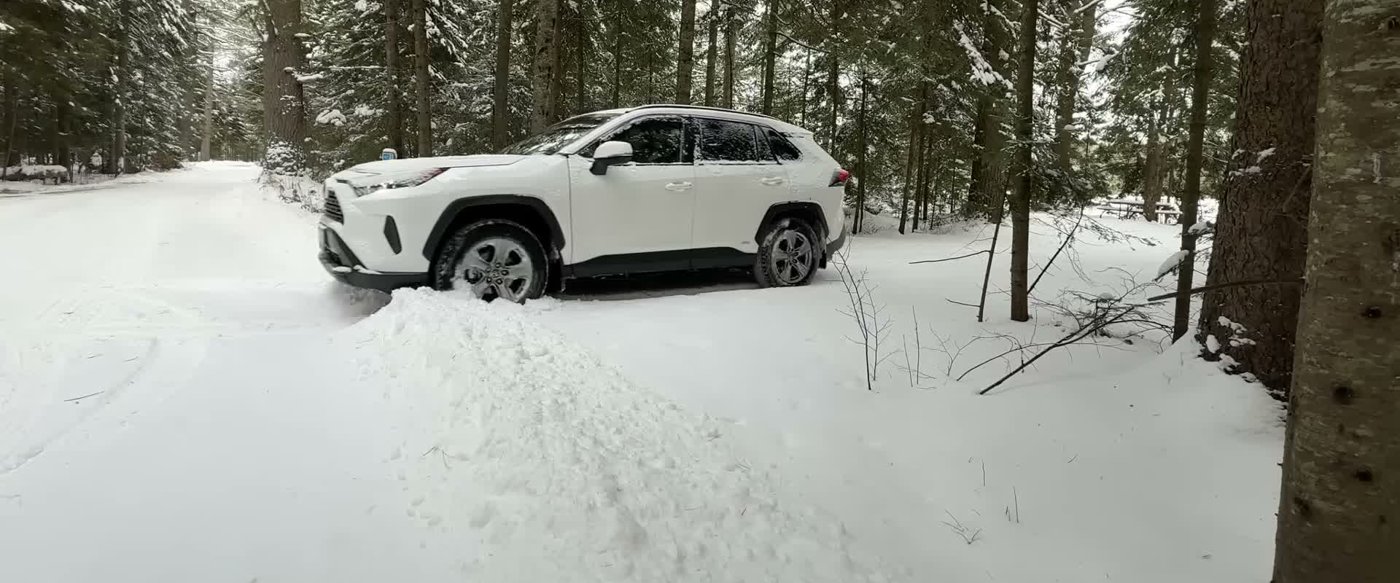
Cold weather car camping in a RAV4: how to sleep warm and safe
Build a warm cocoon instead of heating the car, pick the right sleeping bag, make heat safely, and know why the engine stays off.
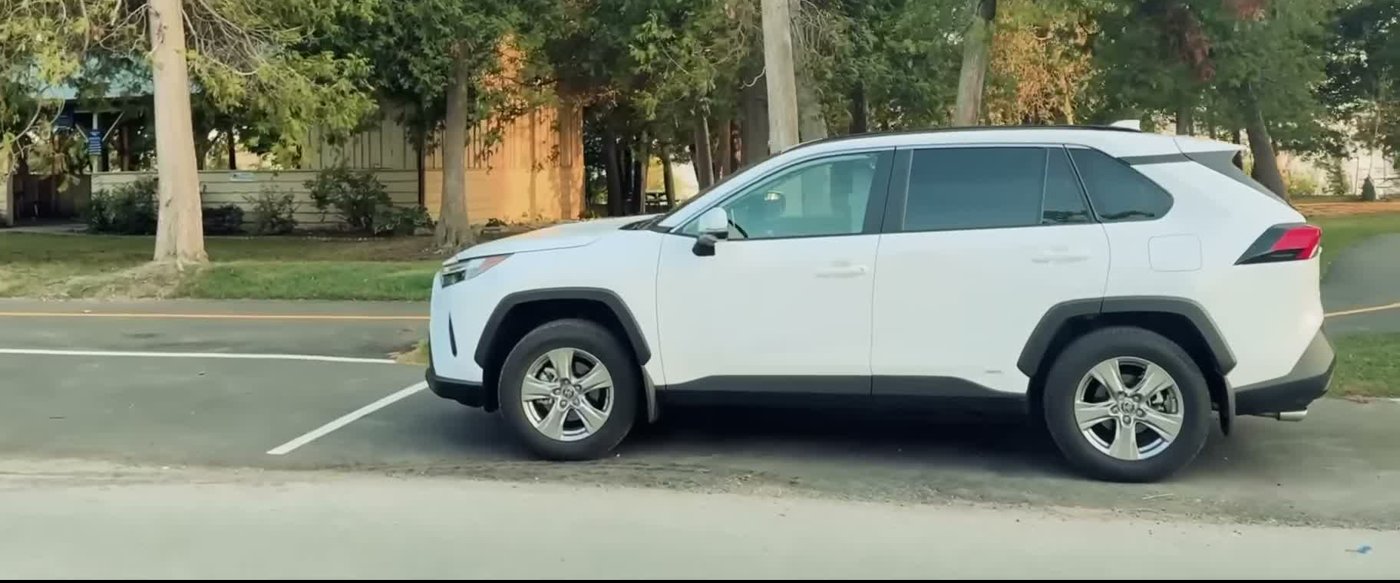
Stealth camping in a RAV4: where to sleep and how to blend in
Make your RAV4 look like any parked car, pick a spot where you're allowed to sleep, and know what to do if you get the knock.
- iOverlander's own pages, read October 12, 2026: home page, subscriptions and pricing, map legend and FAQ.
- Public land camping limits from the Bureau of Land Management.
- RAV Buddy isn't affiliated with iOverlander and doesn't earn anything from these links.
RAV Buddy is an independent fan site. We're not affiliated with or endorsed by Toyota. RAV4 is a trademark of Toyota Motor Corporation.